Tools, guides, and experiments focused on optimizing performance and reducing friction on PC handheld devices like the Legion Go, ROG Ally and ROG Xbox Ally.
What I’m Building
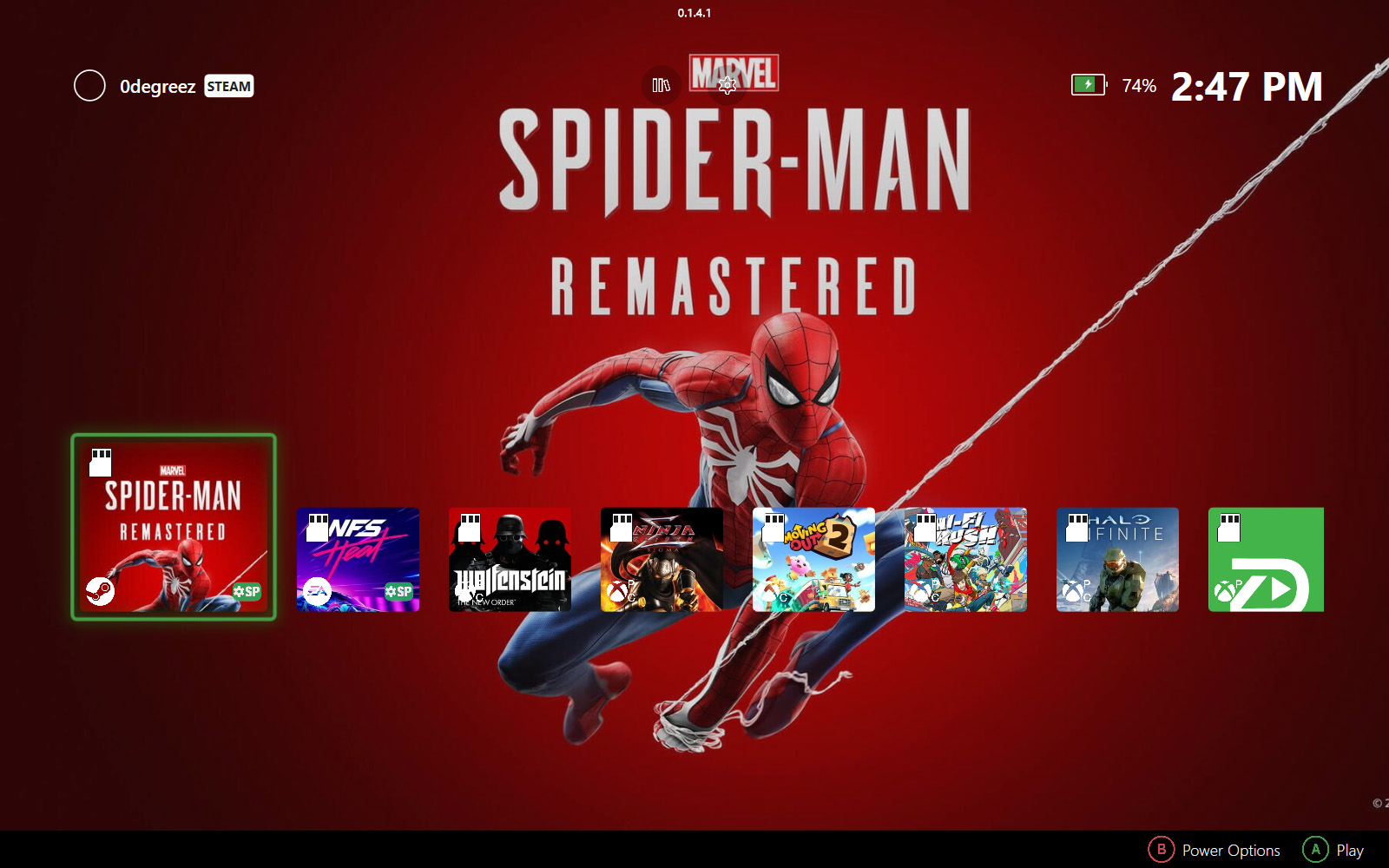
ZenDeck
A console-like launcher and optimization layer designed for PC handheld gaming on Windows inspired by Xbox OS and SteamOS.
AutoPilot
Automatic game optimization using Smart Profiles and Dynamic TDP, applied before and during gameplay.
Start Here
- See Real Results First
Hogwarts Legacy Ultra vs Smart Profile – Real Performance Test
See how Smart Profiles compare against benchmark Ultra settings in a 5-minute real gameplay test. - Install and Set Everything Up
How to Install ZenDeck (Step-by-Step Guide)
Complete setup including Smart Profiles, TDP control, and ZenDeck Pulse. - Understand What Happens Behind the Scenes
What ZenDeck Does When You Press Play
A breakdown of everything applied automatically when launching a game. - Why It Exists
Why I Built AutoPilot+ (Smart Profiles)
The reasoning behind performance automation for Windows handhelds.
Latest Articles
-
Learn how to set up your SD cards as game cartridges in ZenDeck — covering Steam, Xbox Game Pass, Epic, and EA. Insert your card and your games appear instantly, no manual setup every time.
-
Learn how to contribute performance data for a Smart Profile in ZenDeck and help improve AutoPilot Rating accuracy for the entire community.
-
Learn how to share your optimized game settings as a Smart Profile in ZenDeck and make them available to the community in a few steps.


Who This Is For
This site is for people who enjoy PC handheld gaming but don’t want to spend their time tweaking settings, managing power limits, or fighting Windows.